
GITFOS USB-C Hubs & Charging
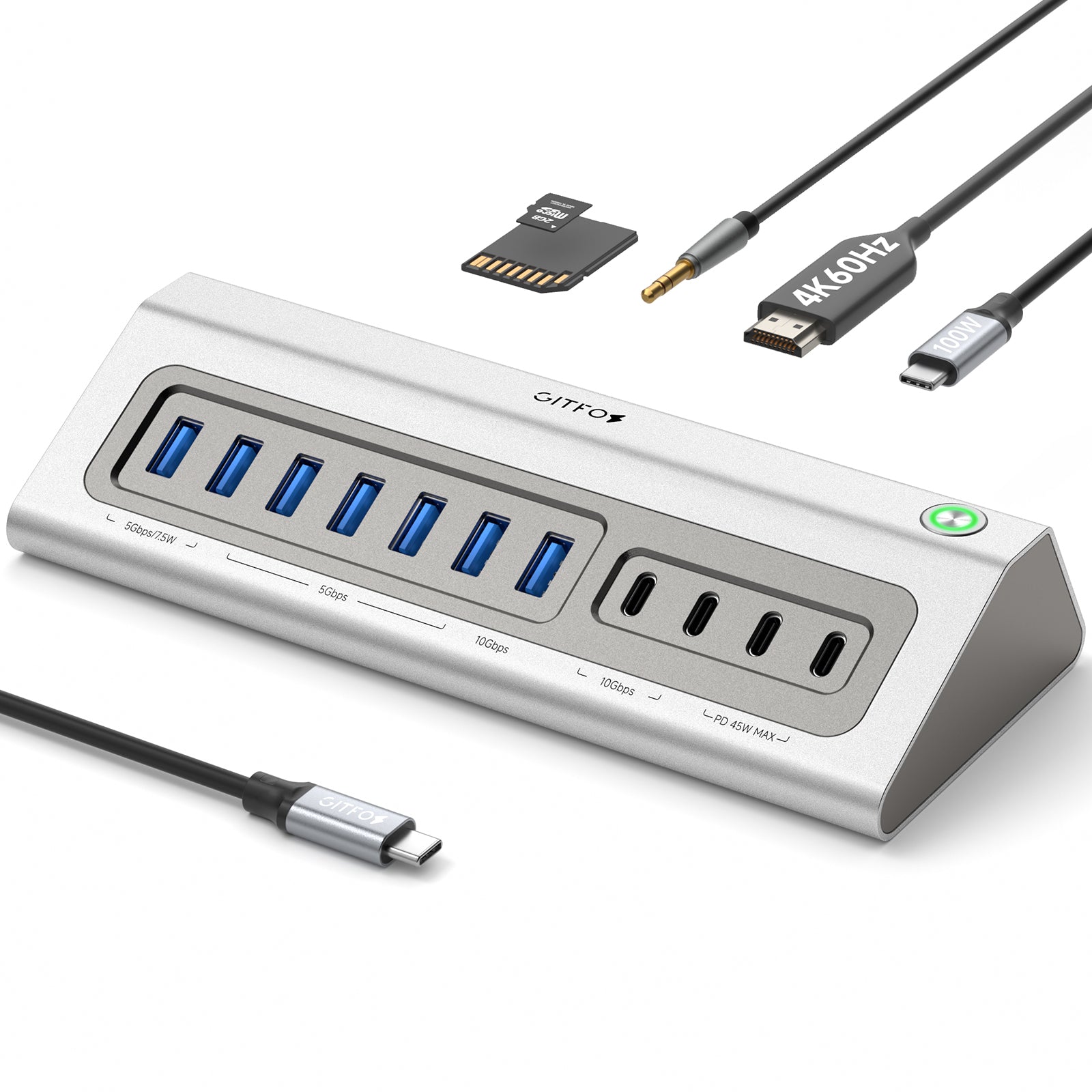
Modern laptops give you two ports and a dream. GITFOS hubs give everything else back — 4K HDMI output, high-speed USB data, SD card slots, and pass-through charging, all through a single USB-C cable. Whether you are building a desk setup or working from a café, one connection turns your laptop into a full workstation.
How to Choose
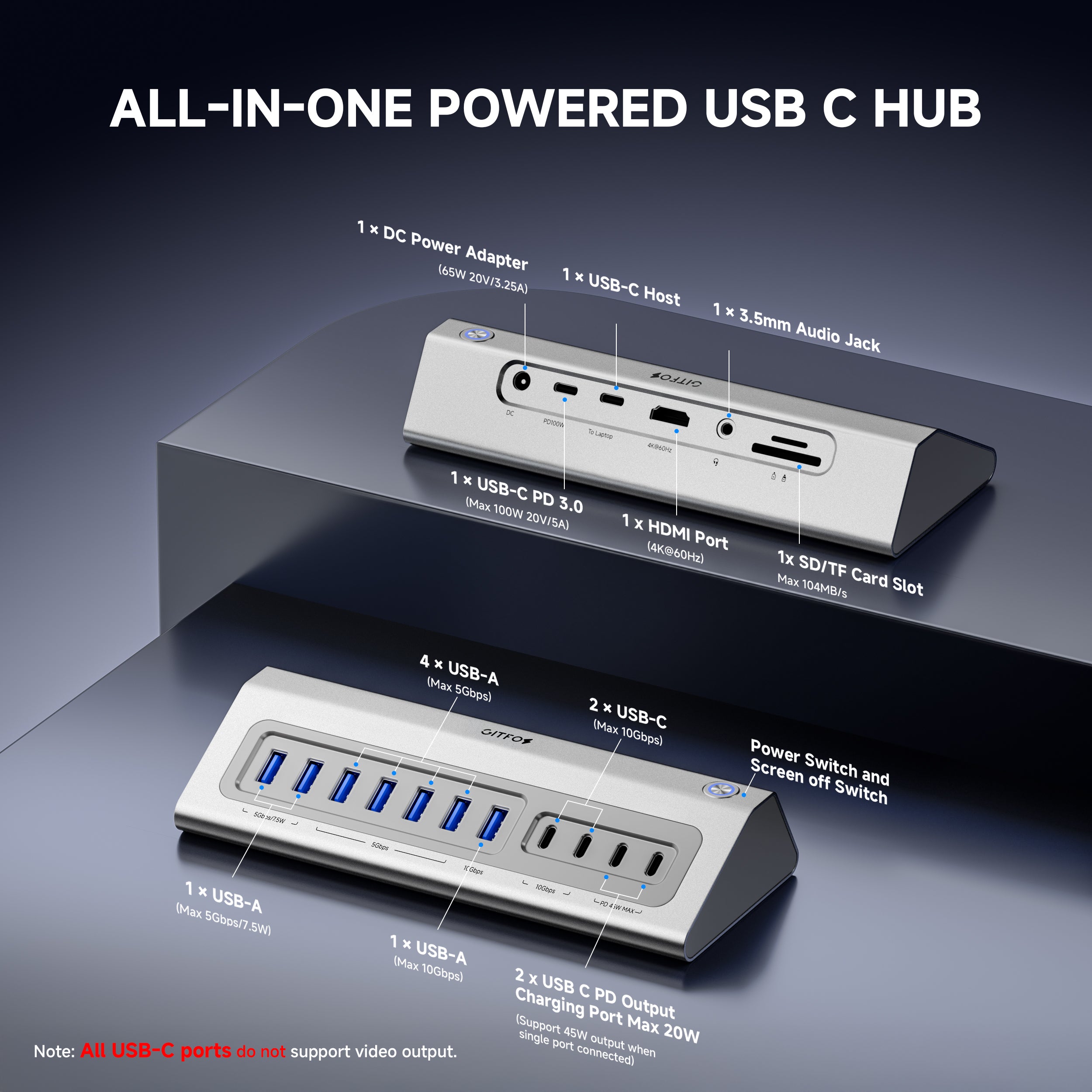
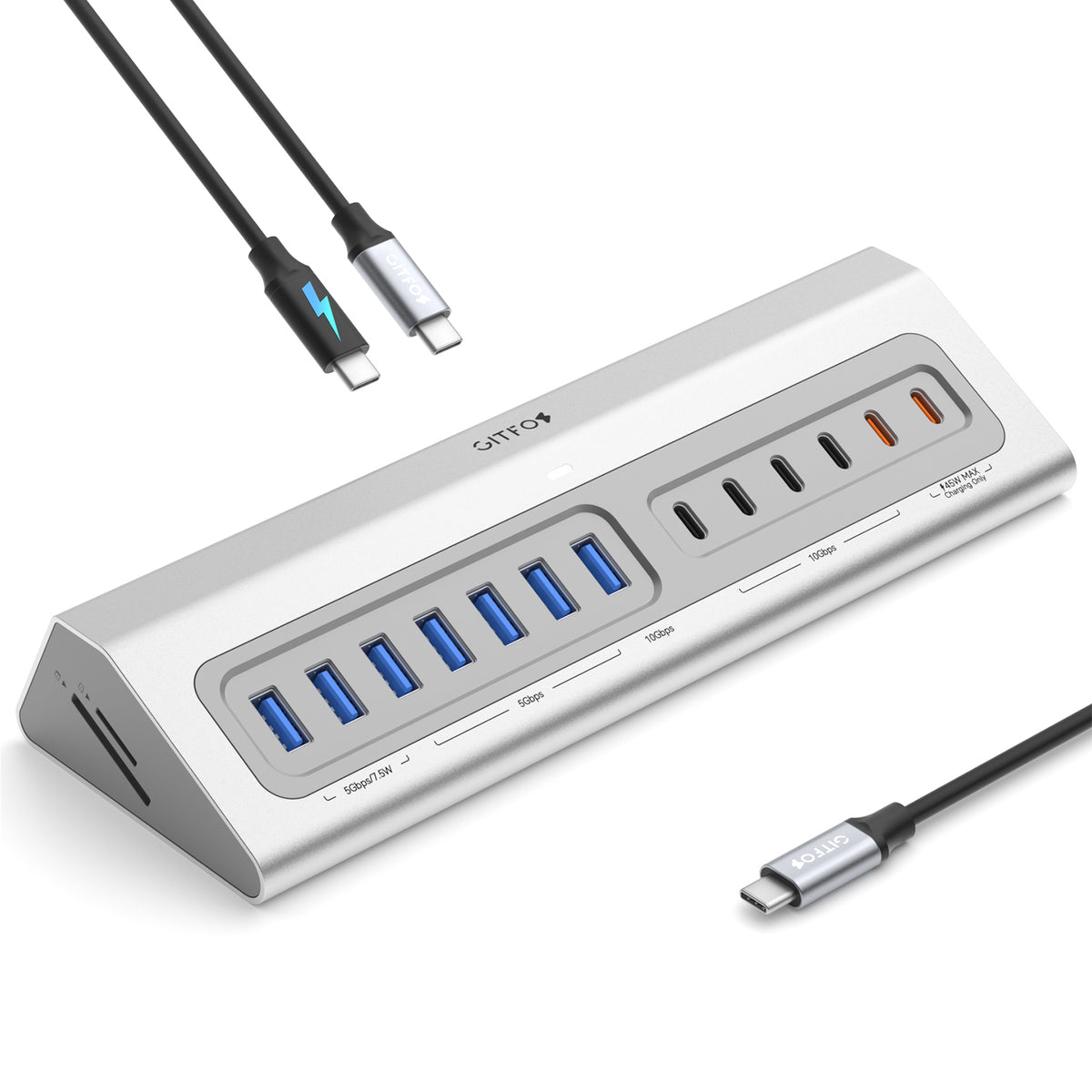
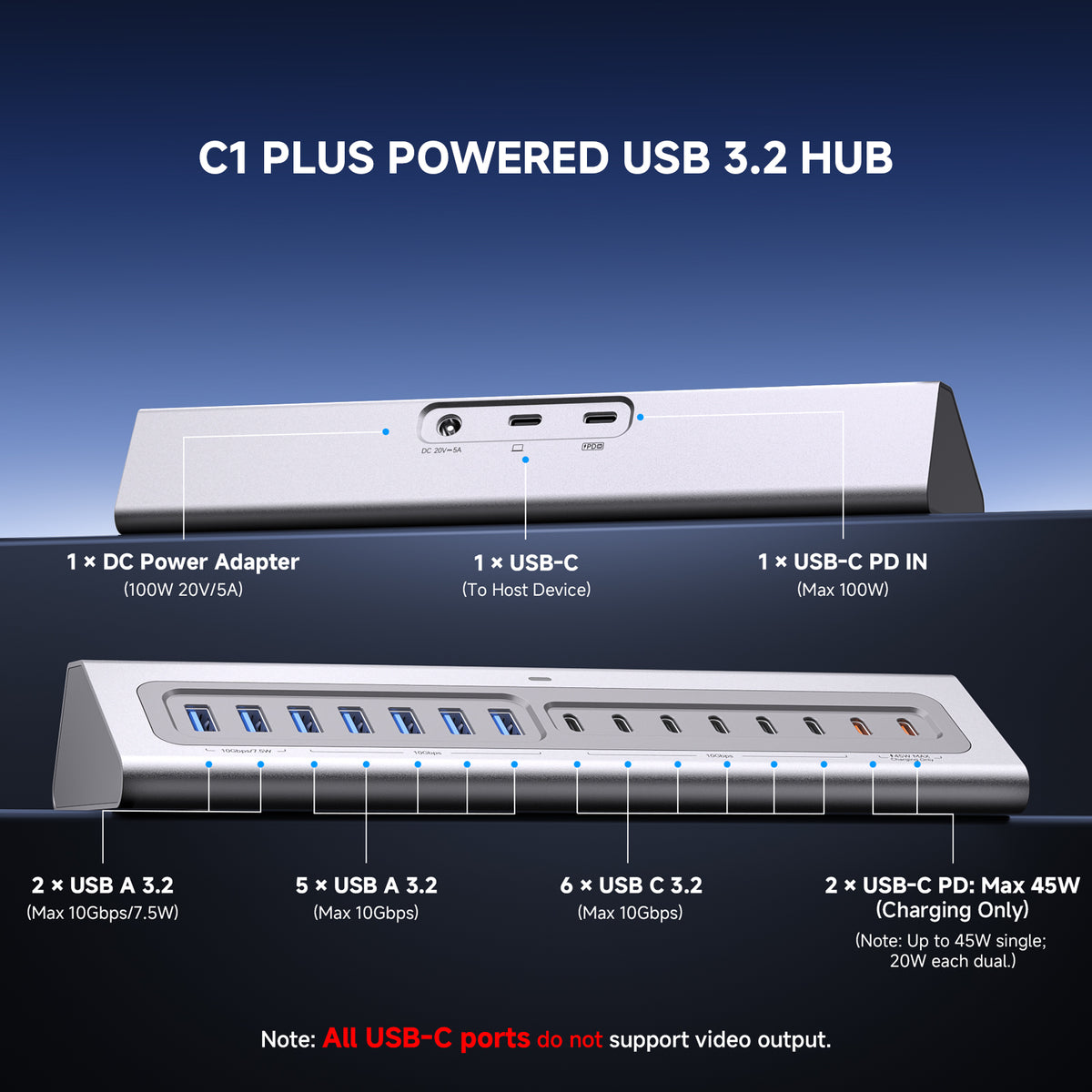
1. Count your devices. Need a monitor, a drive, and a card reader? An 18-in-1 hub like the C1Pro covers a full desk. Mostly charging and light data? The C1 with its 65W power adapter keeps things simple.
2. Check your power needs. If your laptop charges over USB-C, pick a hub with Power Delivery so one cable handles both data and charging.
3. Think about where you work. Fixed desk setups benefit from more ports; frequent travelers should prioritize compact builds.
FAQ
Will a hub slow down my laptop?
No. A hub does not affect your laptop's performance. When many devices transfer data at once they share bandwidth, so a large file copy may run slower than on a dedicated port — but everyday use feels identical.
Can I charge my laptop while using the hub?
Yes. GITFOS hubs support pass-through charging, so a single USB-C connection delivers power to your laptop while all ports stay active.
Is it compatible with MacBook and Windows laptops?
Yes. Any laptop or tablet with a full-featured USB-C port works, including MacBook Air/Pro, iPad Pro, Dell, HP, Lenovo, and more. Video output requires your device to support DisplayPort Alt Mode (most modern USB-C laptops do).
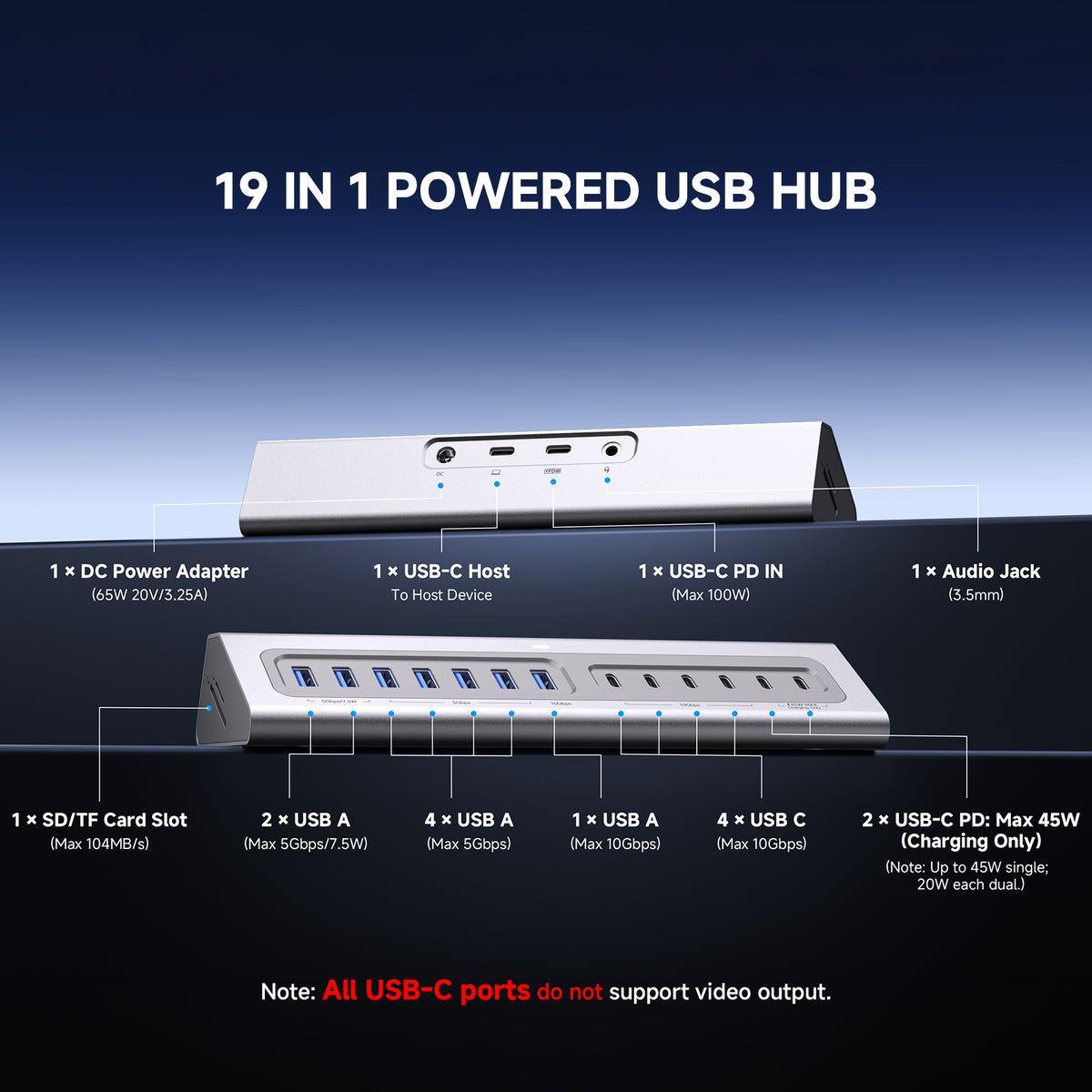
What is the included 65W DC power adapter for?
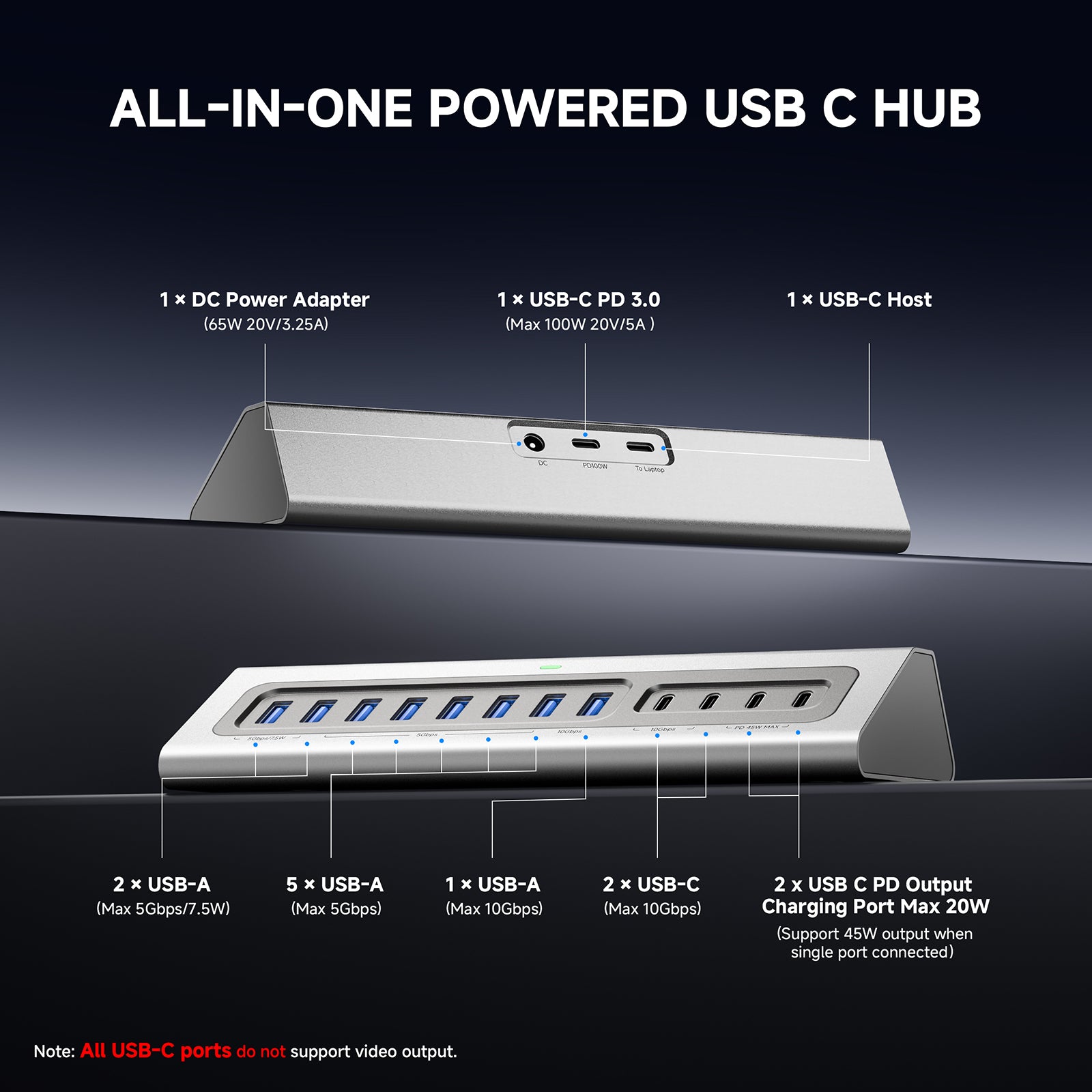
The included 65W DC adapter is used exclusively to power the hub itself, ensuring stable operation for all connected devices like hard drives and monitors. It does not directly charge your laptop. To charge your laptop through the hub, please plug your laptop's original PD charger into the PD IN port.
Do I need to install any drivers?
No. GITFOS hubs are plug and play on macOS, Windows, iPadOS, and ChromeOS.